Role Title · Company Name
Lorem ipsum dolor sit amet, consectetur adipiscing elit. Integer nec odio.
- Lorem ipsum dolor sit amet.
- Consectetur adipiscing elit.
- Sed do eiusmod tempor.

I’m a student at Sinclair Community College studying web design. I decided to be a designer because I’ve always been really interested in both art and technology. I like learning about the world and I’m interested in learning lots of different skills. When designing, I spend a lot of time thinking about details and exploring different ideas before settling on a final product. I think it’s really important that design always has human input and focuses on the needs and behaviors of real people. After graduating, I’d like to get a career in web design or any other kind of design.
Lorem ipsum dolor sit amet, consectetur adipiscing elit. Integer nec odio.
Praesent libero. Sed cursus ante dapibus diam. Sed nisi.
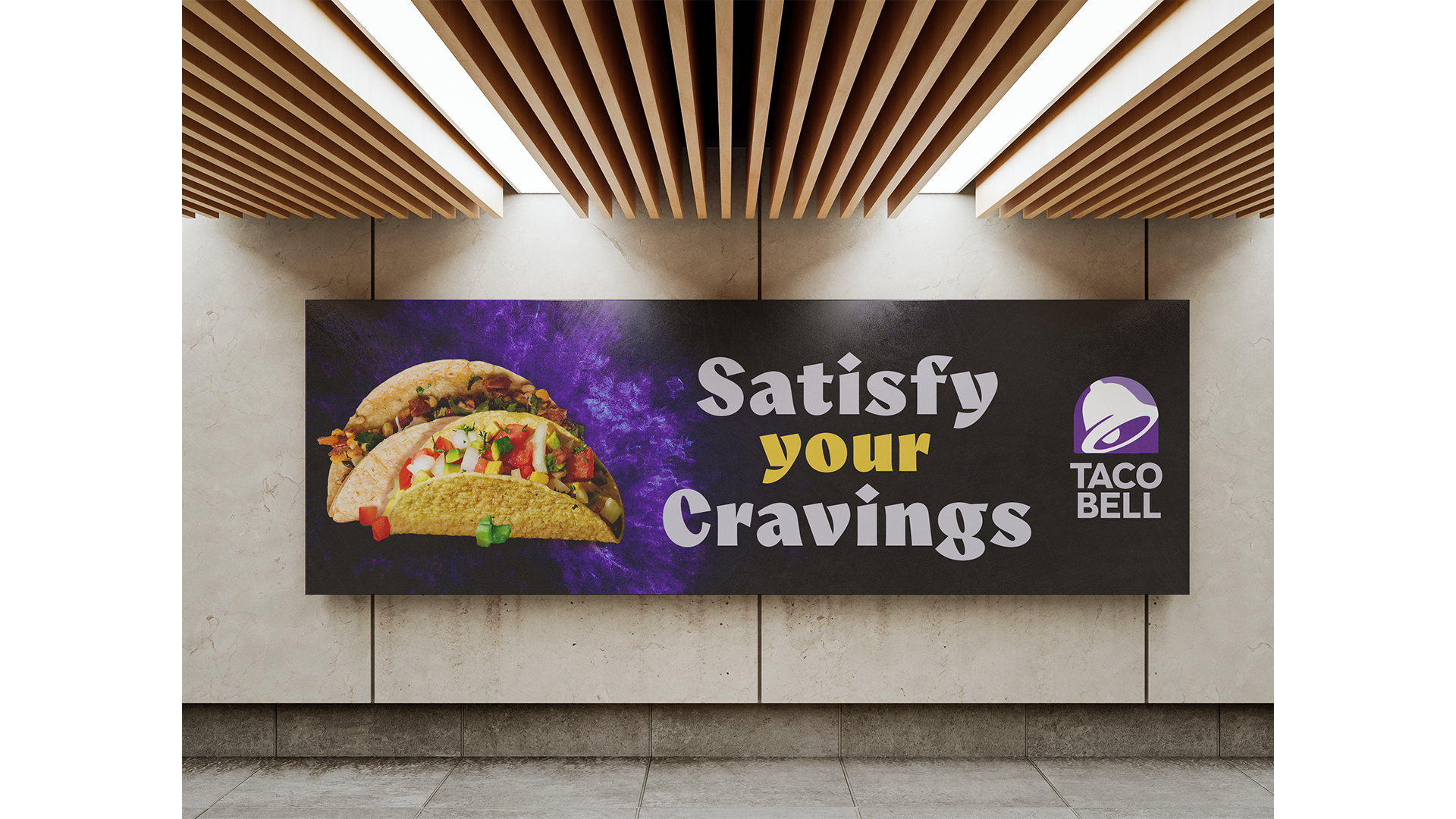
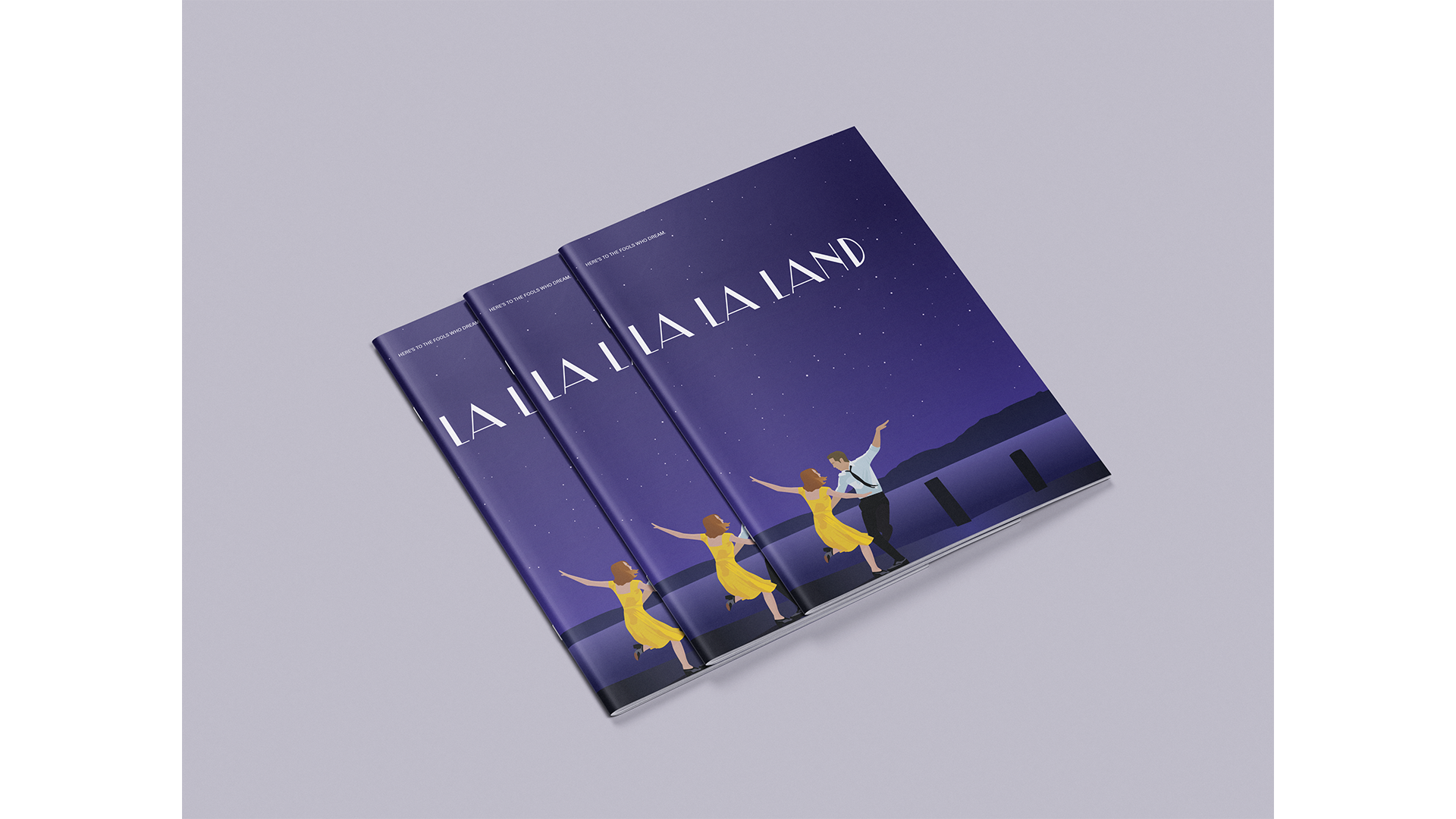
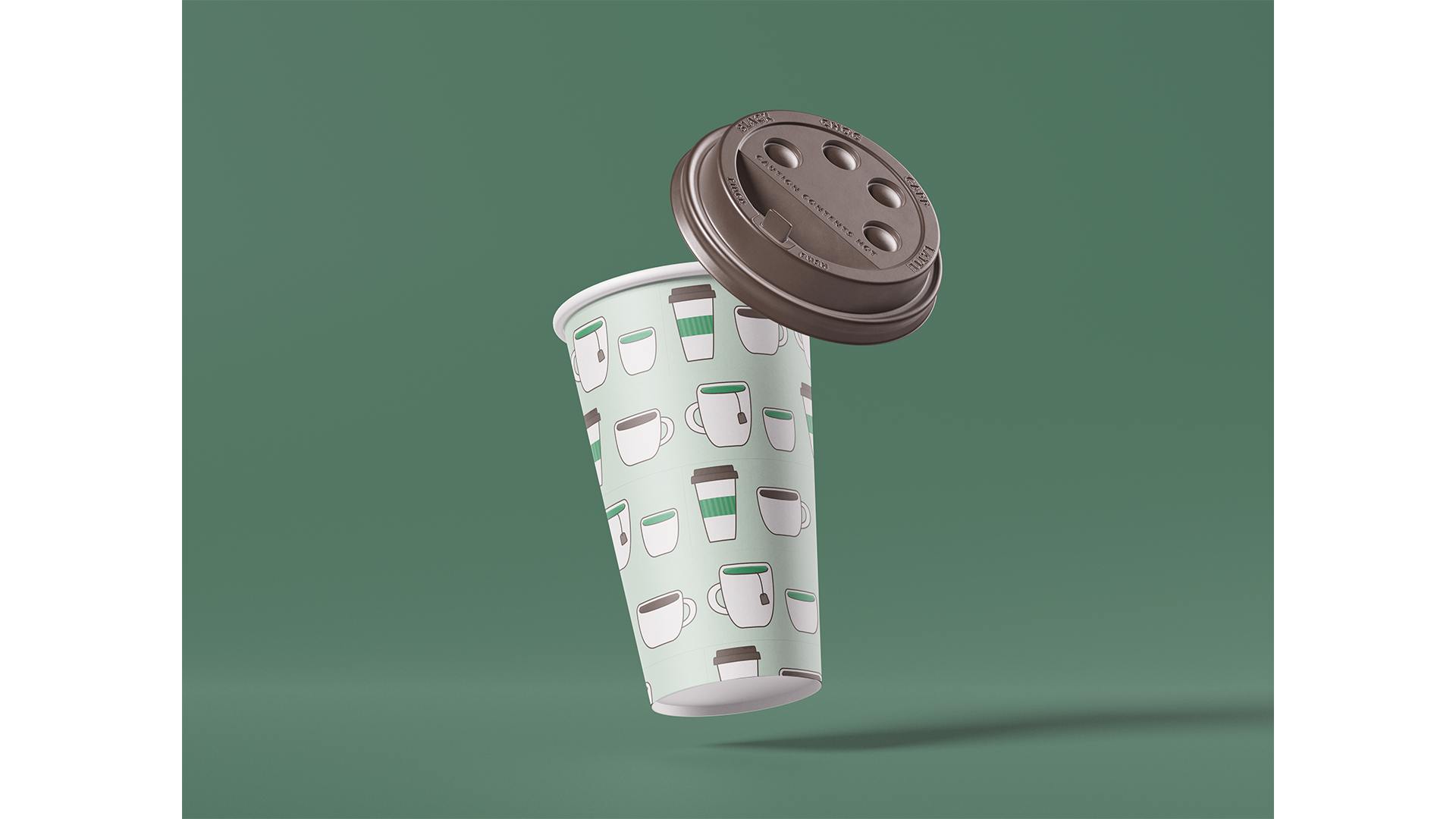
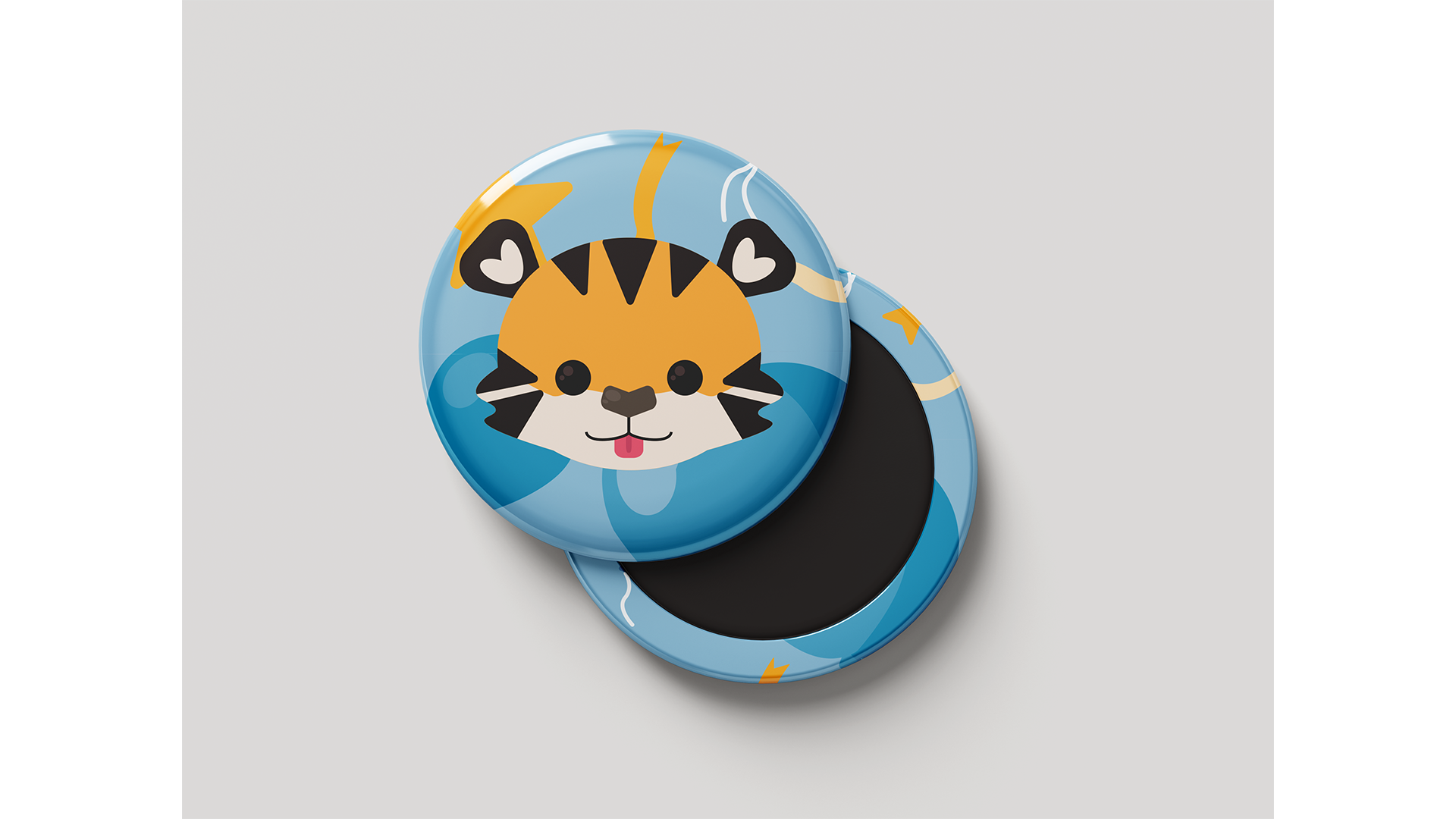
My goal for this project was to create mockup photos using pieces from previous projects. I downloaded templates for the mockups and used Photoshop to put my own images into them. Then, I used filters and adjusted the colors to make them blend in with the environments in the image. This project taught me about how mockups can be used to display a design in a real-world context, and how to create mockup images using Photoshop.
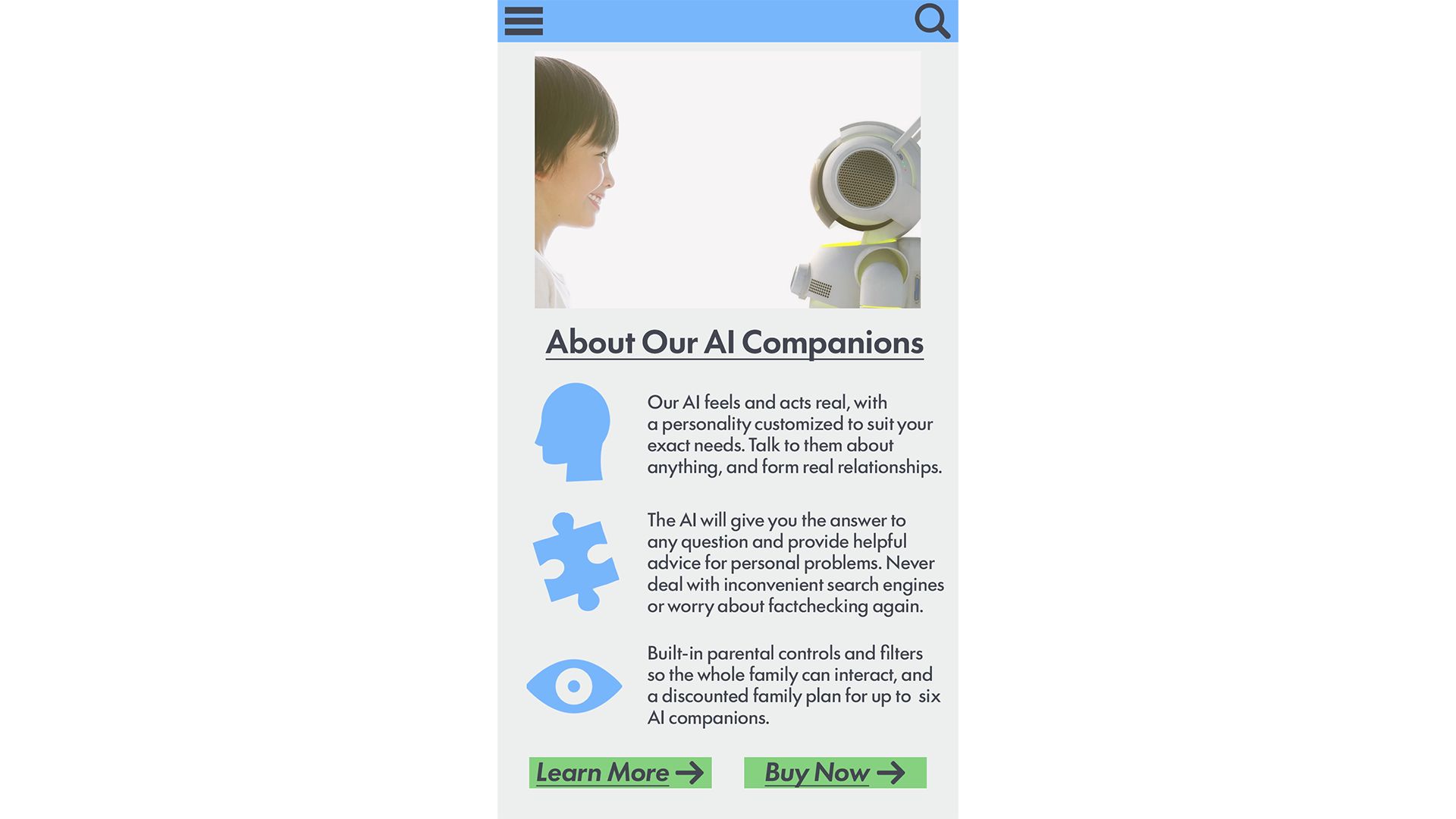
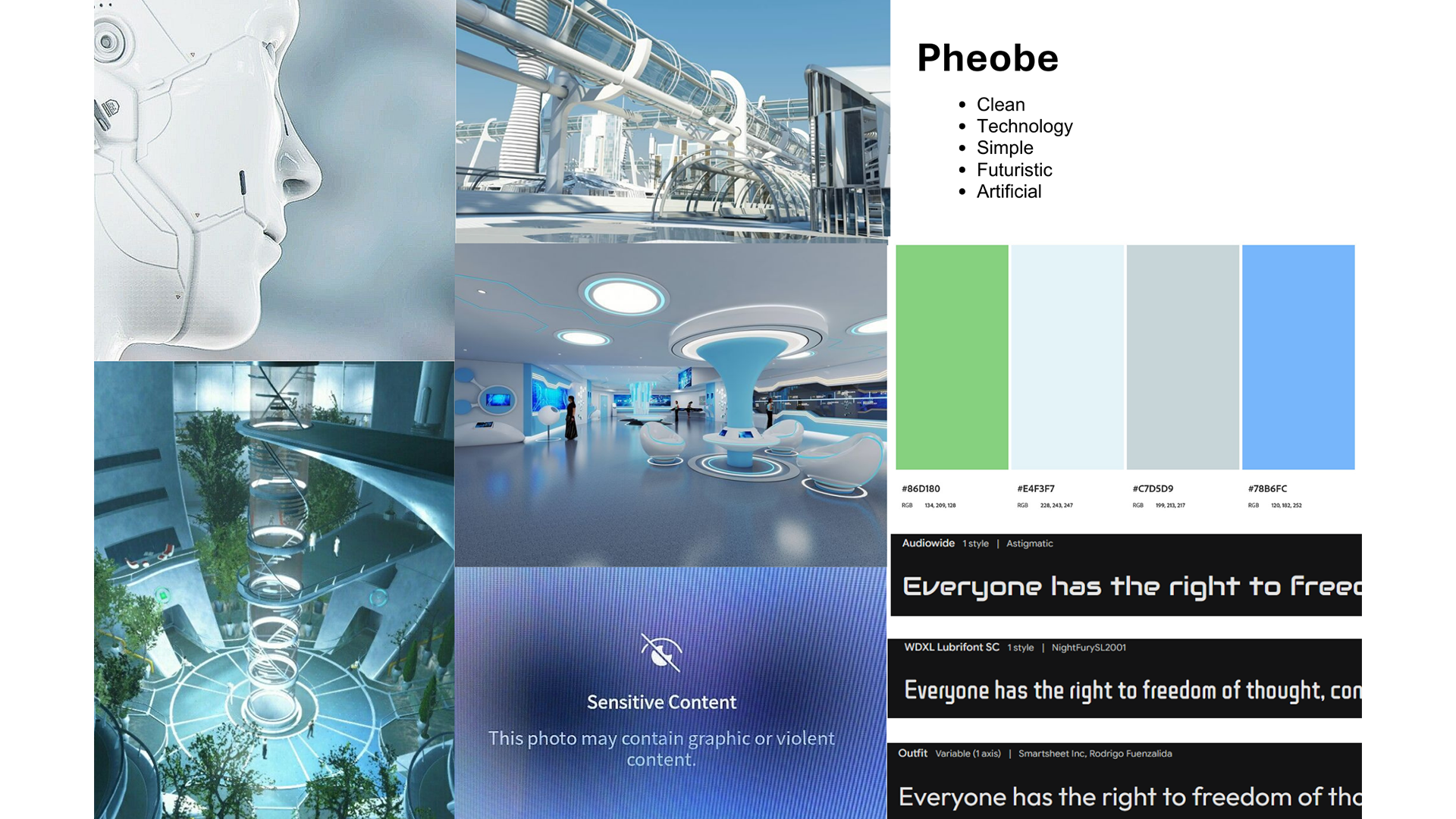
In this project, my goal was to think about how the web could look in 20 years and make a website prototype based on it. To do this, I created a user persona I made a user persona that was a parent looking to buy an AI companion for their child, based on an imagined future where everyone has AI companions. Afterwards, I used Canva to make a moodboard based on the user persona and made the final prototype in Adobe Illustrator. Working on this project taught me about speculative design and helped me look at the current state of the web from a new perspective. After working on this project, I’ve learned more about designing using grids, and if I were to revisit the project, I’d like to make use of grids to add alignment.
My goal for this project was to make an interactive website prototype in Figma, based on the user persona of a student who needs to see all of their weekly tasks in one place. Before making a Figma prototype, I did user testing with a paper prototype I made. Thinking about the feedback given during user testing, creating a moodboard, and implementing grids and a type scale helped me design an improved prototype in Figma. While working on the prototype in Figma, I also facilitated more user testing to make further revisions. Working on this project helped me become familiar with the process of user testing, as well as using grids and type scales. I found that feedback from user testing was really helpful and allowed me to make changes to improve usability. Since I understand how to use grids and type scales now, in future projects I’ll be able to implement them earlier on in the process.
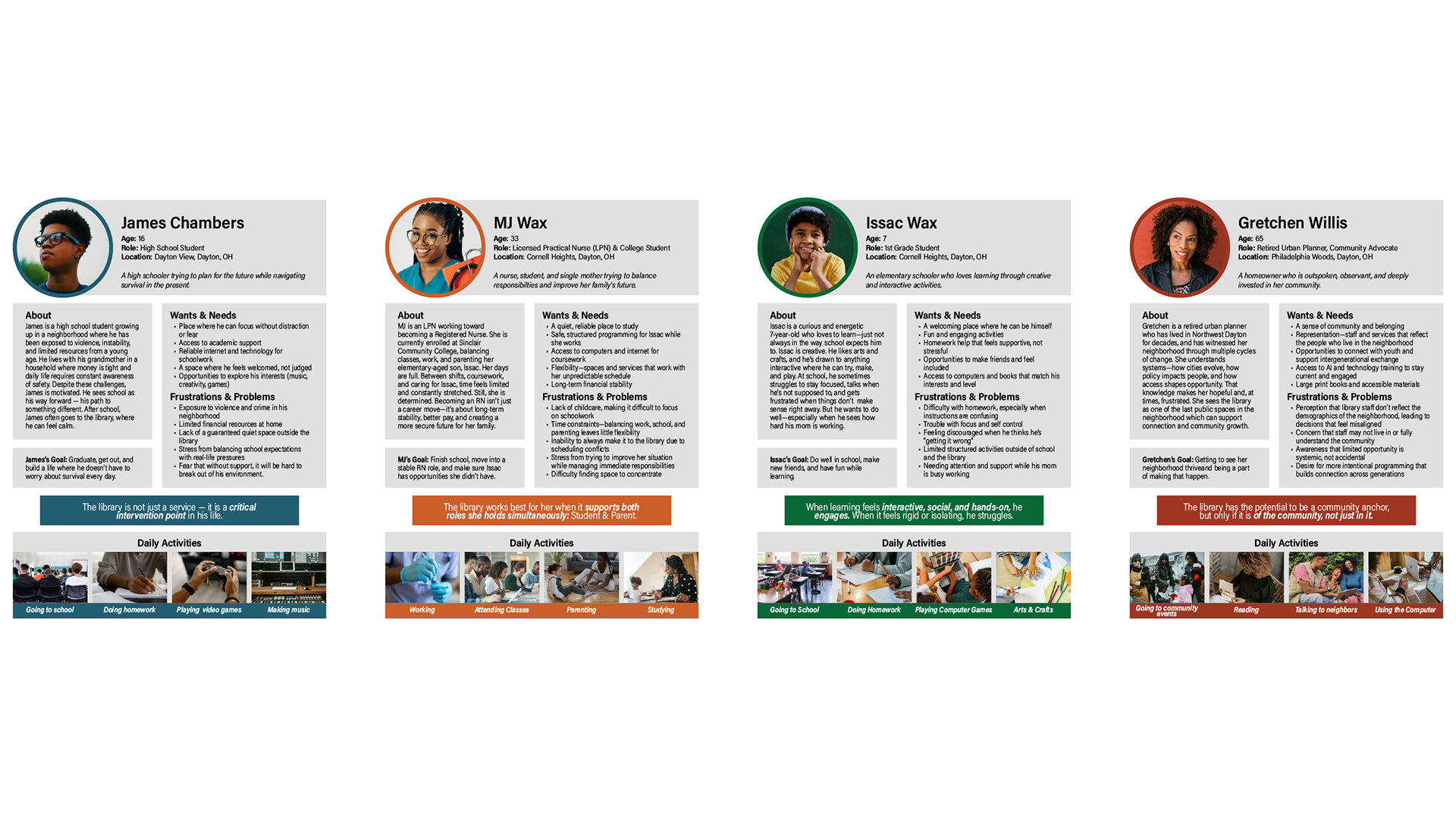
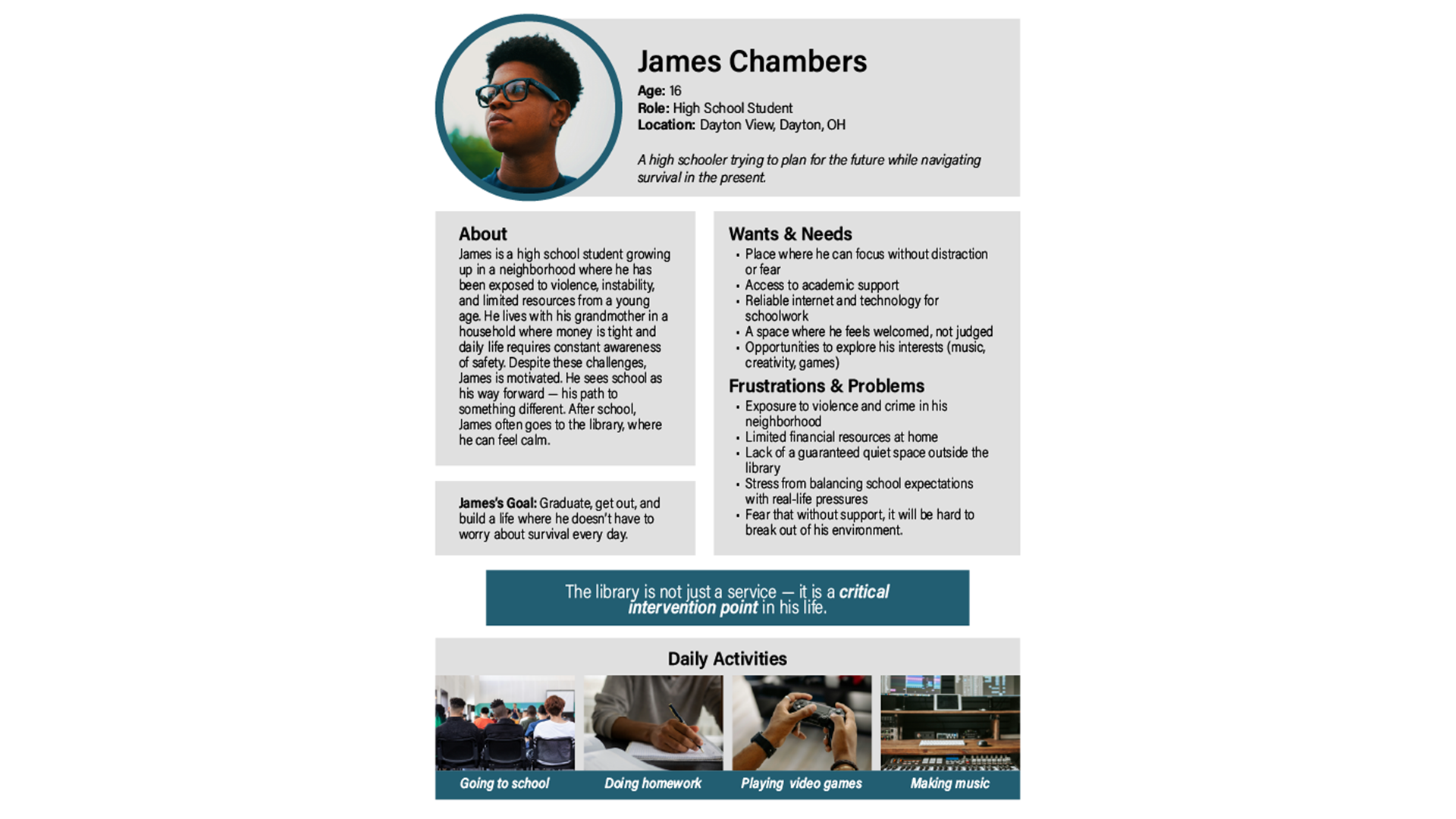
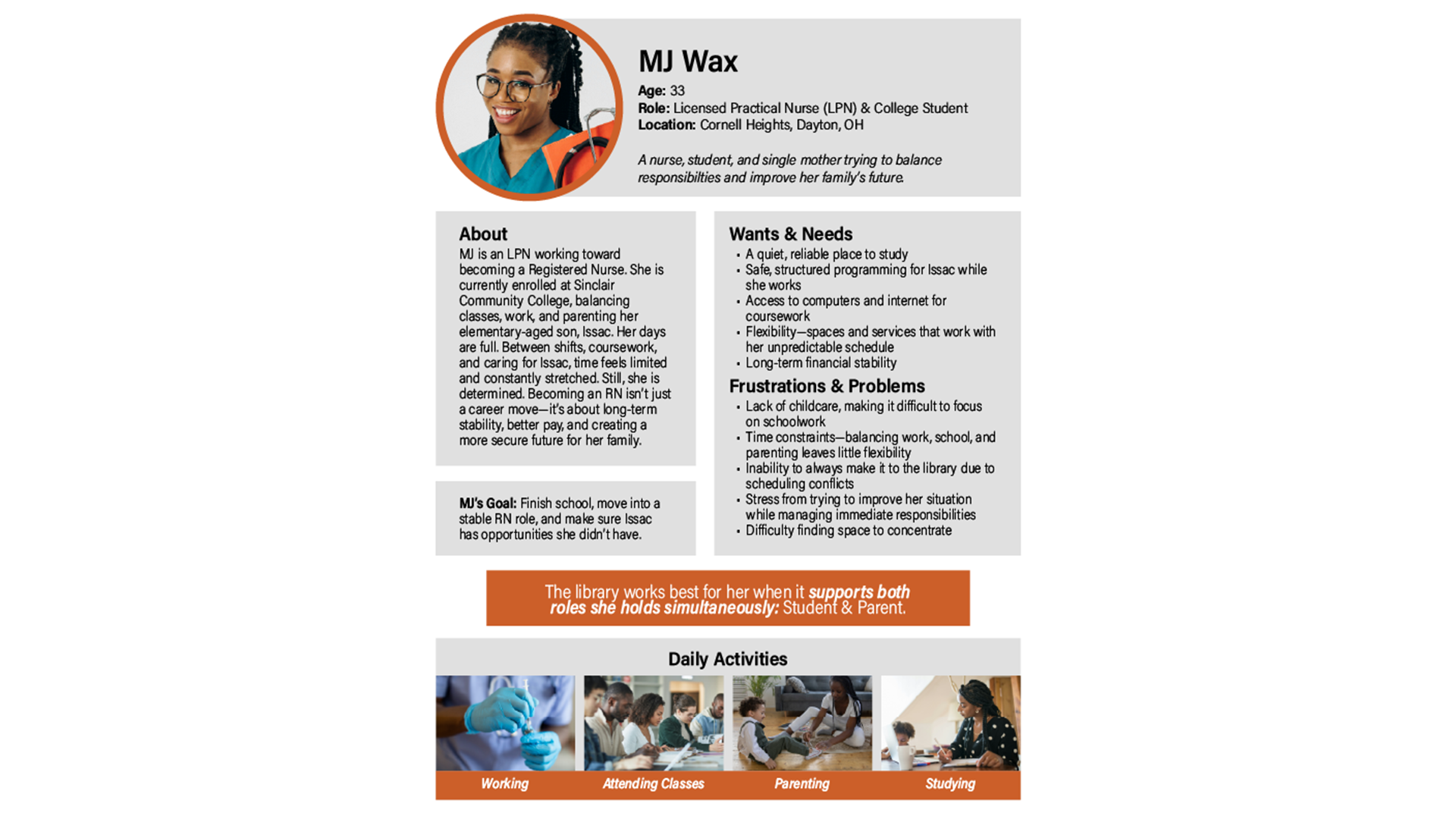
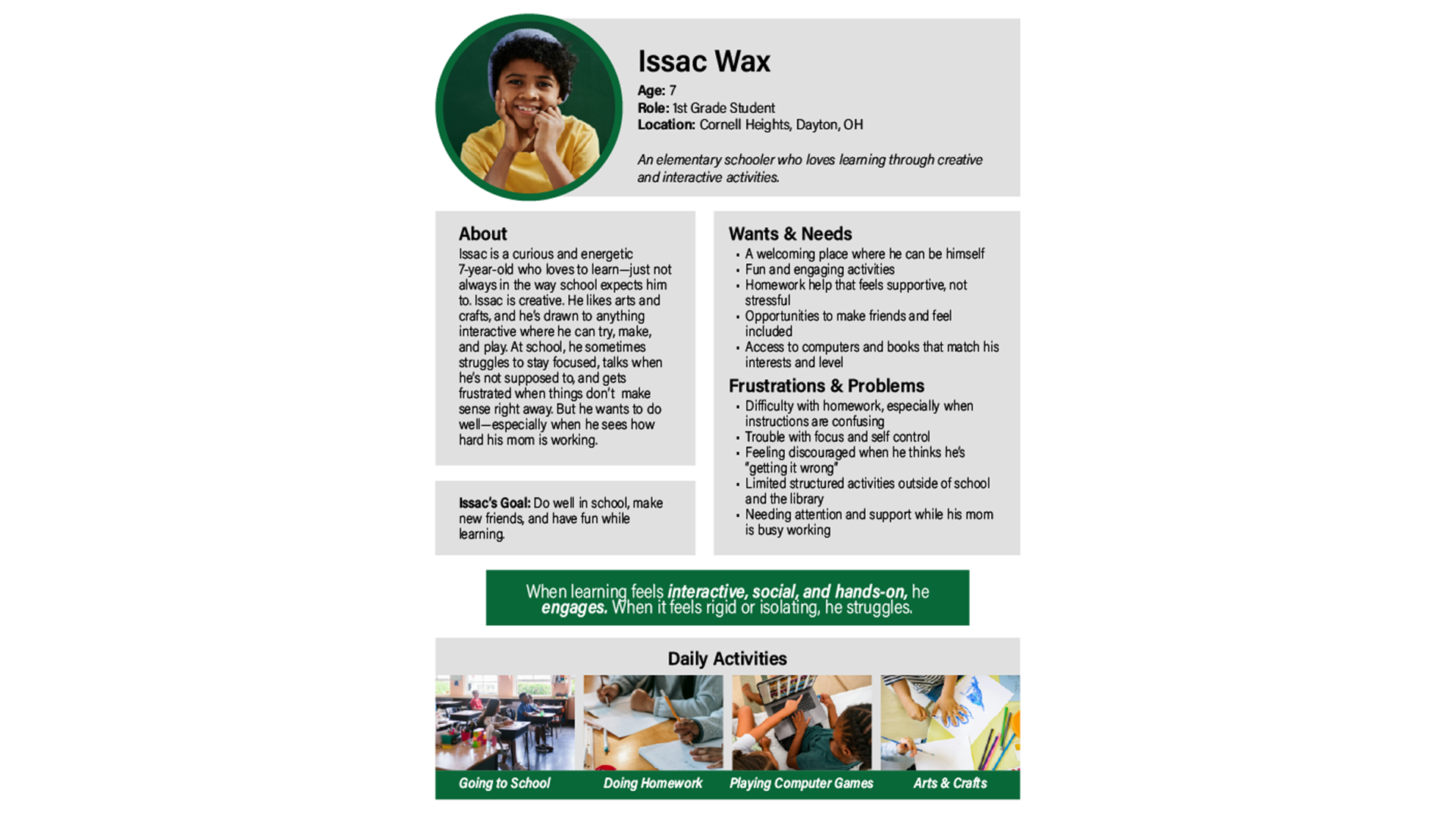
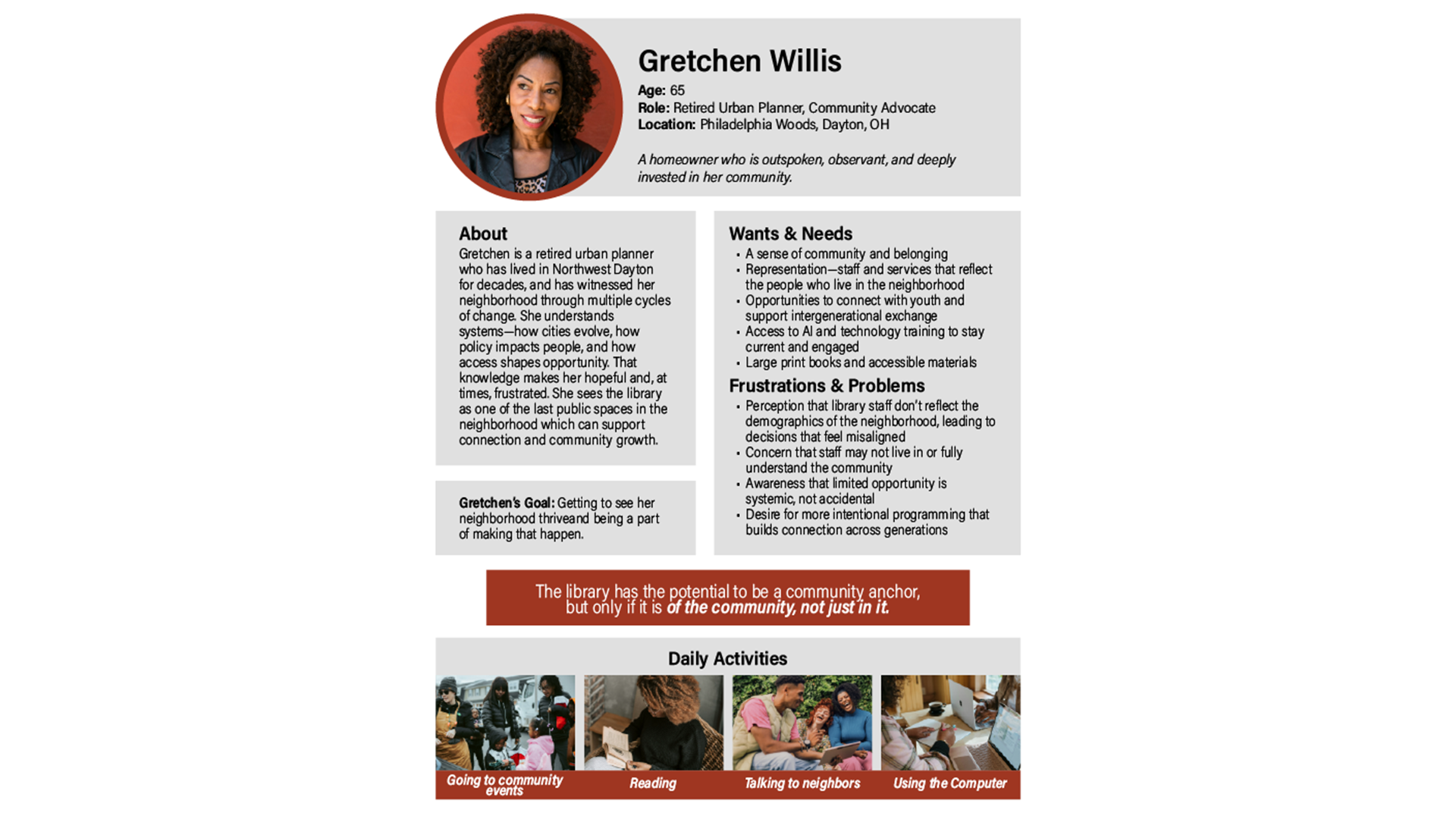
For this project, I designed a consistent layout system to use for four user personas. The personas were first developed based on insights from the research we did at the northwest branch of the Dayton Metro Library, using several different research methods. Afterwards, I designed a layout in Adobe Illustrator that could be used to quickly understand all four user personas. I included basic information about them, their needs, frustrations, and goals, and used images to showcase parts of their daily lives. These personas were used as part of a presentation to the Dayton Metro Library to help them better understand the library's users. This project taught me a lot about design research, and it was a good opportunity to get real-world design experience.
Currently studying Web Design at Sinclair Community College.
Email: cmadden1407@gmail.com
Location: Dayton, OH